Motion
Physics-aware movement, stable camera work, and action that reads clearly frame to frame.
Direct cinematic AI video from a text brief or a still frame — camera moves, motion, and sound composed by the model — then refine with references and settings.
Kling 4
Kling 4 turns visual direction into motion: choose the model, shape the shot, and keep every take in one place.
Physics-aware movement, stable camera work, and action that reads clearly frame to frame.
Prompts are followed literally — subject, blocking, lens, and mood land where you put them.
Faces, products, and palettes stay consistent across shots, scenes, and whole campaigns.
Introduce Kling 4
Kling 4 is an AI video generation model built for iterative visual work. Give it a clear brief, a start frame, or a few references — it returns clips you can actually cut with.
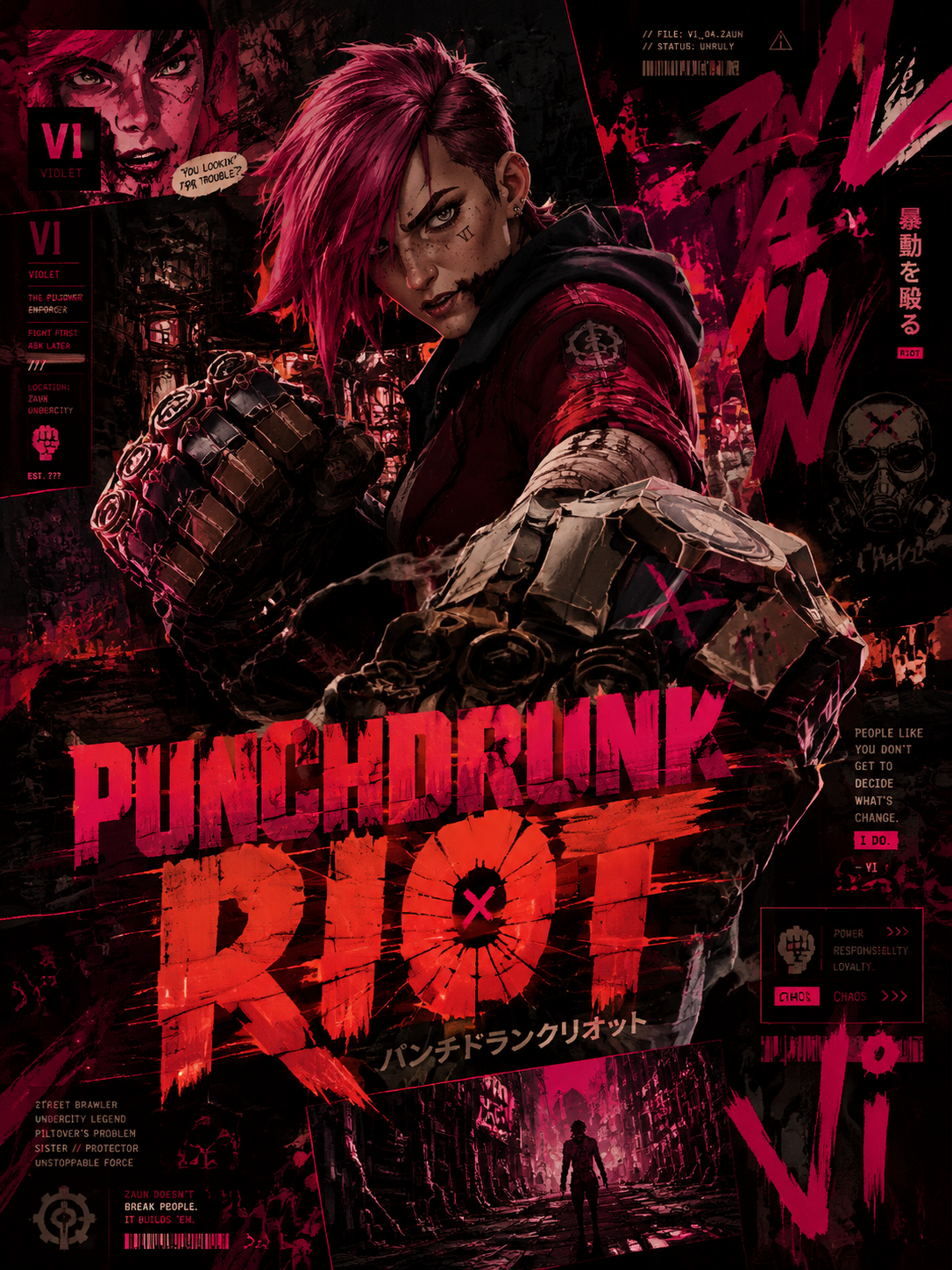
Describe the shot instead of tweaking parameters — Kling 4 parses subject, camera, and intent from natural language.
Start from a still frame: the model animates it while keeping the subject, palette, and lighting intact.
Supply subject and style references — Kling 4 holds identity and look across the whole clip.
Ask for push-ins, orbits, tracking shots, and rack focus in plain language — the model composes the move.
Add ambience and synced audio where the workflow calls for it — no separate foley pass needed.
Draft quick 5-second beats or build longer takes for cut-ready sequences.
Kling 4 workflow
Kling 4 treats every clip as a take you can refine — not a render you have to accept.

Compose
Write the subject, setting, action, and mood. Add a start frame when a product, face, or style has to stay recognizable.

Direct
Pick duration and framing. Name the camera move, the pacing, and where the energy should build.

Refine
Ask for a different move, a slower reveal, or a tighter crop — Kling 4 revises the shot without resetting it.
Build a clear creative brief
Make the important choices explicit, review the take against your brief, and use your preferred result as the basis for another shot.
Describe what the clip should communicate and where it will run. A product reel, a social hook, and a mood film need different pacing and framing.
Explain which image defines the subject or character and which supplies the style. For image-to-video, pick the still that anchors the first frame.
Select the duration and aspect for the placement. Name the focal point, the camera move, and any beat the action needs to hit.
Check motion continuity, faces, and product details across the clip. Refine the take, then download the version that fits your edit.
From a creative brief to a usable clip
Choose a task with a clear visual objective. Kling 4 gives creators, studios, marketers, and product teams more ways to explore it.
Develop hero shots, seasonal spots, and detail reveals from a product reference. Keep the product recognizable while exploring setting and light.
Prepare hooks, loops, and promo cuts for Reels, Shorts, and TikTok — vertical formats included.
Board scenes, test camera moves, and pitch looks before a shoot. Explore directions at a fraction of production cost.
Develop recurring subjects across scenes and moods. Use references and a consistent brief to guide visual continuity.
Turn an aesthetic or a lyric into an atmospheric clip — texture, color, and motion composed from words.
Bring an existing still or product photo to life with subtle motion — steam, light shifts, fabric in the wind.
Useful answers before you create
Understand the model, prepare better references, and choose a practical approach to your next clip.
おめでとうございます!特別価格をアンロックしました
最大50%OFF終了まで
作成頻度に合わせてプランを選択:定期的なワークフローには定期クレジット、特定のプロジェクトには一回限りのパックを。
支払いやプランに関するご質問はサポートまで: サポートに問い合わせ
安全なお支払い:
Kling 4 AIプランを選ぶ前に、請求、共有クレジット、解約、有効期限を確認。
Understand the model, prepare better references, and choose a practical approach to your next clip.
安全な支払い方法
Make the next idea move
Bring a start frame, a character, or a clear scene brief. Explore a take, refine the move, and save a clip that fits your edit.